

If you have been shopping for IT support, you have probably run into two terms: co-managed IT and fully managed IT. They sound similar. They are not.
One model works best if you already have someone handling IT internally. The other is built for businesses that have no IT staff at all. Choosing the wrong one means paying for things you do not need, or missing coverage you do.
This guide breaks down how each model works, who each one is built for, and the questions worth asking any IT company before you sign a contract.
What is Co-Managed IT?
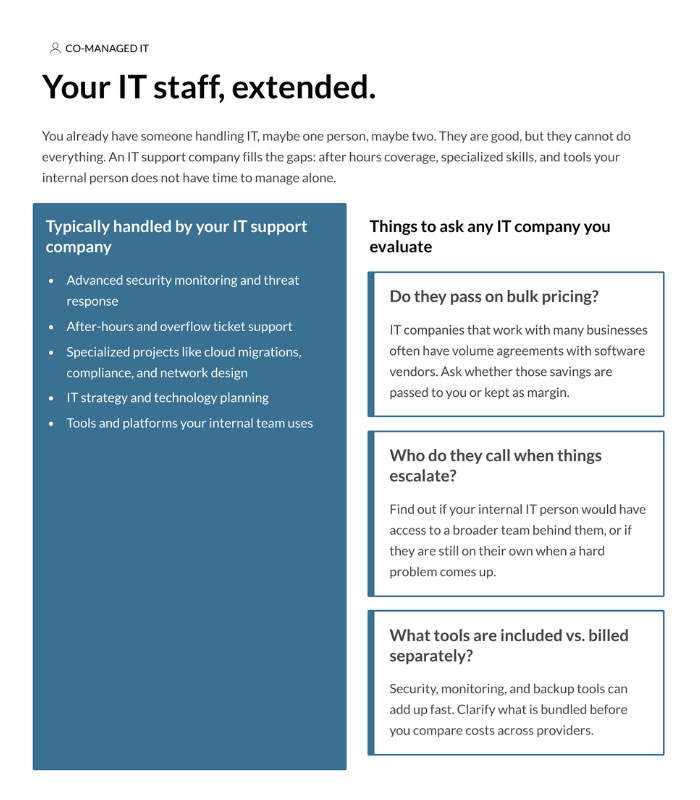
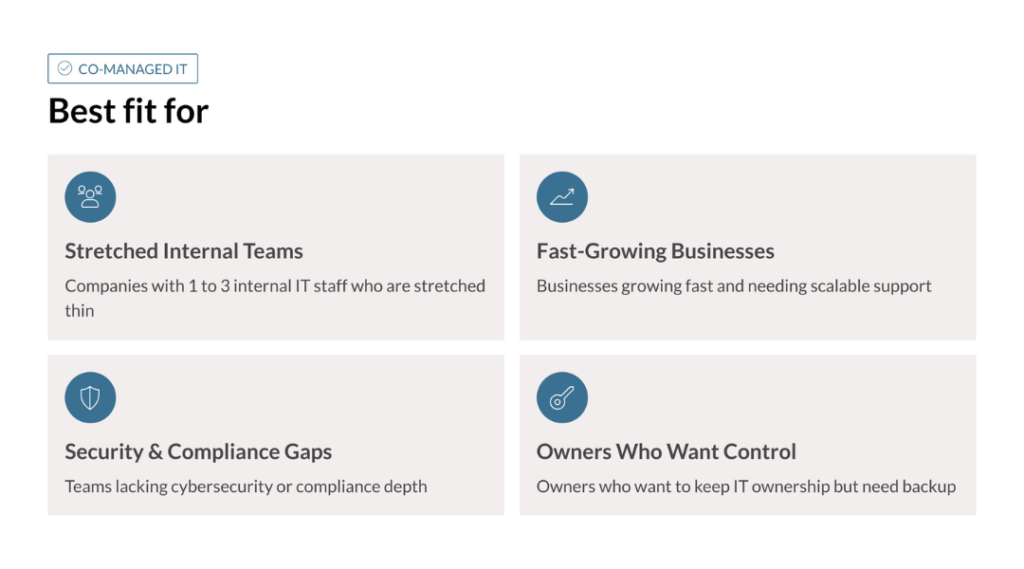
Co-Managed IT is a partnership between your existing IT staff and an outside IT support company. Your internal person or team stays in place. The outside company fills in the gaps.
Those gaps usually look like this: your IT person handles day-to-day support well but has no bandwidth for security monitoring. Or everything runs fine during business hours but nobody is watching the network at 2am. Or a compliance requirement lands on your desk and your internal team has never dealt with one before.
Co-Managed IT is not a replacement. It is an extension.
One thing many business owners do not realize: IT support companies that work with dozens of clients often have volume purchasing agreements with software vendors like security tools, monitoring platforms, and backup solutions. These cost can be significantly more when a single business buys them on their own. It is worth asking any company you evaluate whether those savings get passed on to clients.
What is Fully Managed IT?
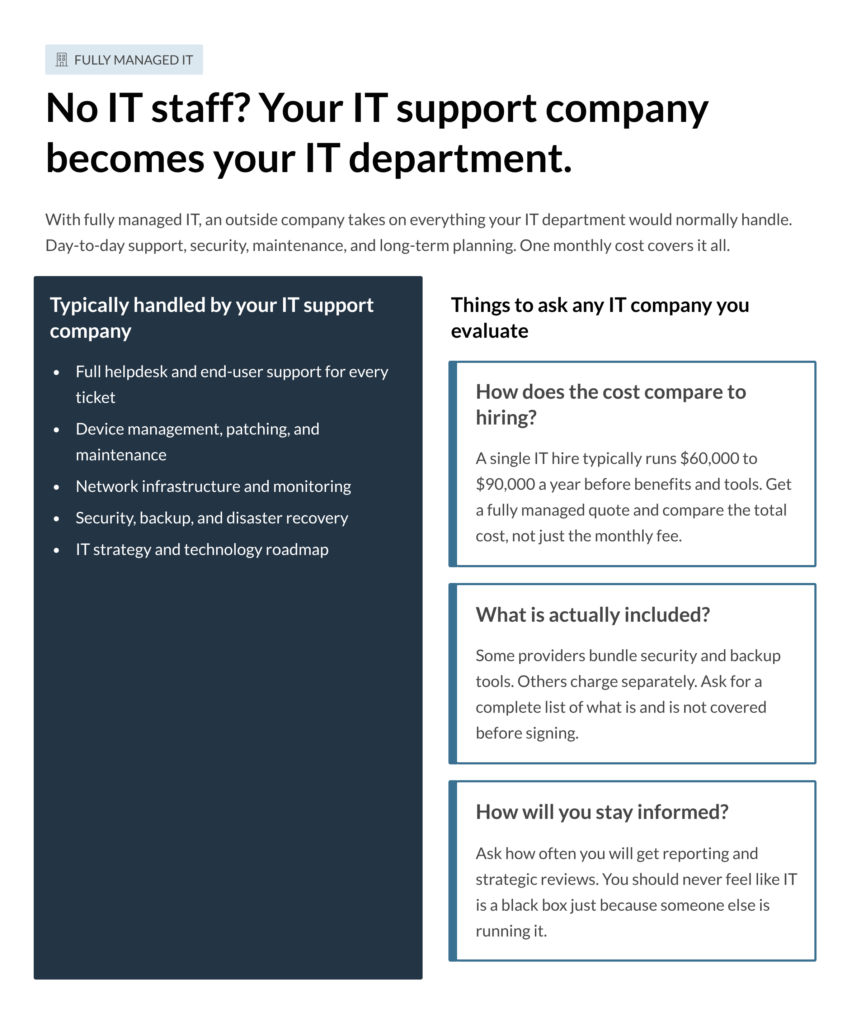
Fully managed IT means an outside company handles everything. No internal IT staff required. The IT support company becomes your IT department owning day-to-day support, security, maintenance, vendor relationships, and long-term technology planning.
For small businesses across the Carolinas, this model often makes more financial sense than it first appears. A single IT hire runs $60,000 to $90,000 a year before benefits, tools, and training. Fully managed IT typically covers far more than one person could, at a lower total cost, with no gaps in coverage when someone is out sick or leaves the company.
The other advantage is predictability. One flat monthly cost. No surprise invoices when something breaks. No scrambling to find a contractor when a project comes up.

The Question Most Business Owners Skip
Before you decide between the two models, there is a more important question to answer first: What is your current IT situation actually costing you?
Most businesses underestimate this number. They count the salary of their IT person but not the hours the owner spends dealing with tech problems. They count the tools they are paying for but not the ones they should have and do not. They count what IT costs today but not what a breach, a ransomware attack, or a compliance violation would cost tomorrow.
Get that number first. Then compare it honestly against what co-managed or fully managed IT would cost. The right model usually becomes obvious pretty quickly.
| Co-Managed IT | Fully Managed IT | |
|---|---|---|
| Internal IT staff needed | Yes, required | No, optional |
| Who owns IT decisions | Shared between you and your IT partner | Your IT partner, with your input |
| Cost structure | Lower monthly cost | Higher, all-inclusive monthly cost |
| Scope of service | Fills specific gaps in your existing IT coverage | Full coverage, everything included |
| Control and visibility | High — your internal team stays involved | Moderate — you trust your IT partner to manage the environment |
| Best for company size | 25 to 200 plus employees | 5 to 100 employees |
| Transition effort | Low — supplements your existing team without disruption | Medium — full onboarding required to hand everything over |
| Tool costs | Ask what is included versus billed separately before comparing providers | Usually bundled into the monthly fee |
Before You Sign Anything
Whether you are leaning toward co-managed or fully managed, these questions are worth asking any IT company you talk to.
What is included and what costs extra? Get a complete list. Some providers bundle security and backup. Others charge separately. The monthly fee is not the full picture.
How do you handle after-hours issues? Find out who answers when something breaks at 9pm. Is it a real person or a ticketing system with a next-business-day response?
Do you pass on bulk purchasing savings? IT companies that support many businesses often get better pricing on software and tools. Ask whether those savings come back to you.
How will we stay informed? Ask what regular reporting looks like and how often you will sit down for a strategic review. You should always know what is happening in your environment.
Can we change models as we grow? Many businesses start fully managed and add an internal IT person later. Others start co-managed and eventually hand more over to their IT partner. Make sure the company you choose can grow with you either way.
Co-managed IT and fully managed IT are not competing products. They are two different answers to the same question: how do we make sure our technology works, stays secure, and supports where we are trying to go?
If you have internal IT staff, co-managed keeps them in place and makes them stronger. If you do not, fully managed gives you a full IT department for less than the cost of a single hire.
For small and mid-sized businesses across the Carolinas, the right answer usually comes down to one thing: how much IT ownership do you want to keep internally? Answer that honestly and the choice tends to take care of itself.
FAQ: Common Questions about Managed IT
Can I switch from fully managed to co-managed later?
Yes. Many businesses start fully managed and move to co-managed once they hire their first internal IT person. A good IT support company will structure that handoff without disruption to your team.
Is co-managed IT cheaper?
The monthly fee is usually lower, but the real cost comparison includes internal IT salaries, benefits, and tools. For very small businesses, fully managed often costs less overall than keeping even one IT hire on payroll. Run both numbers before deciding.
What happens if our internal IT person leaves?
In a co-managed setup, your IT support company can take on more responsibilities during the gap. This is one reason it helps to have an IT partner already embedded in your environment before something like that happens, rather than scrambling to find one after.
Do we lose visibility into our IT with fully managed?
You should not. Ask any provider you are evaluating how often they deliver reporting and what a strategic review looks like. If they cannot answer that clearly, keep looking.
Why are software tools sometimes cheaper through an IT support company?
IT support companies often have volume purchasing agreements with vendors because they buy licenses across many clients at once. Not all of them pass those savings on, so it is worth asking directly how a provider prices their tools and whether you are getting the benefit of that buying power.
Ready to Find the Right IT Model for Your Business?
Whether you need to extend your internal team or hand off IT entirely, the right partner makes all the difference. Let's talk about what fits your situation.
